
Dedicated Windows connectivity
Connect compatible Lovense toys to supported Windows 7, 8, 10 and 11 computers using this purpose-built USB adapter.

LOVENSE · USB BLUETOOTH ADAPTER
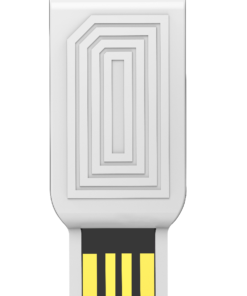
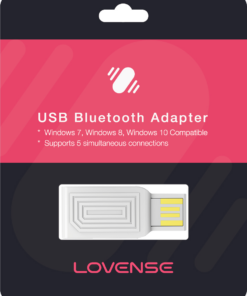
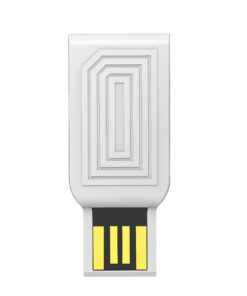
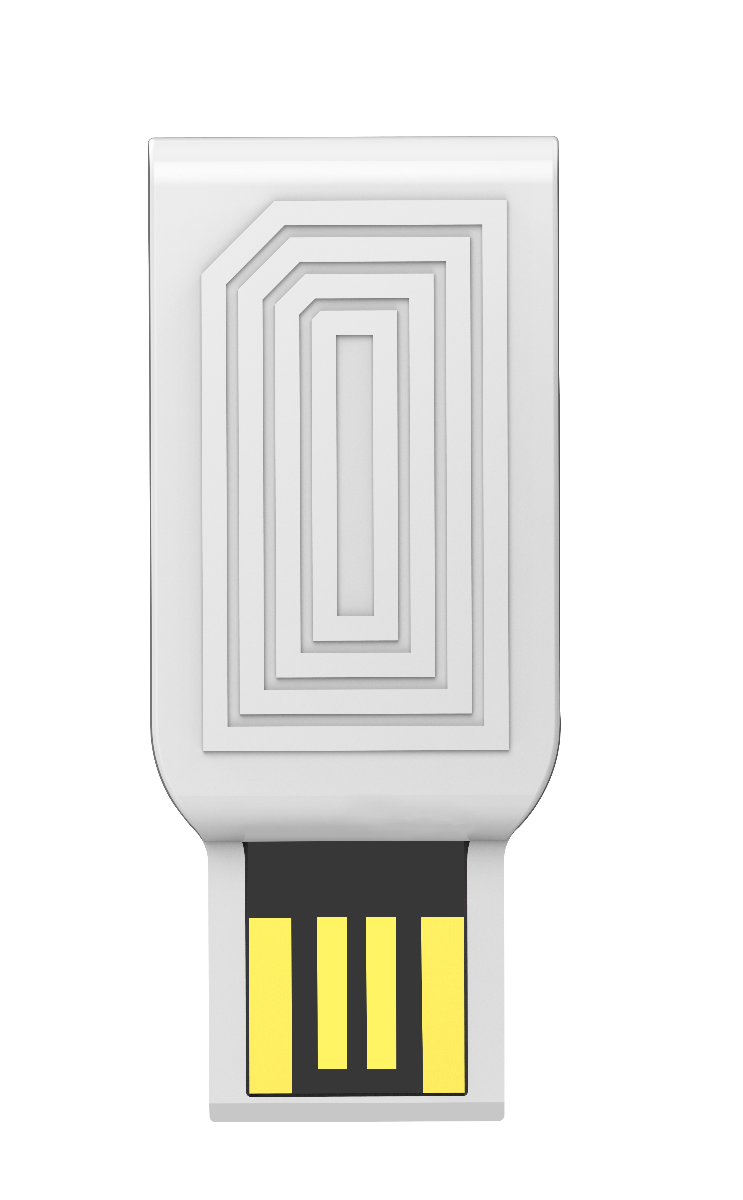
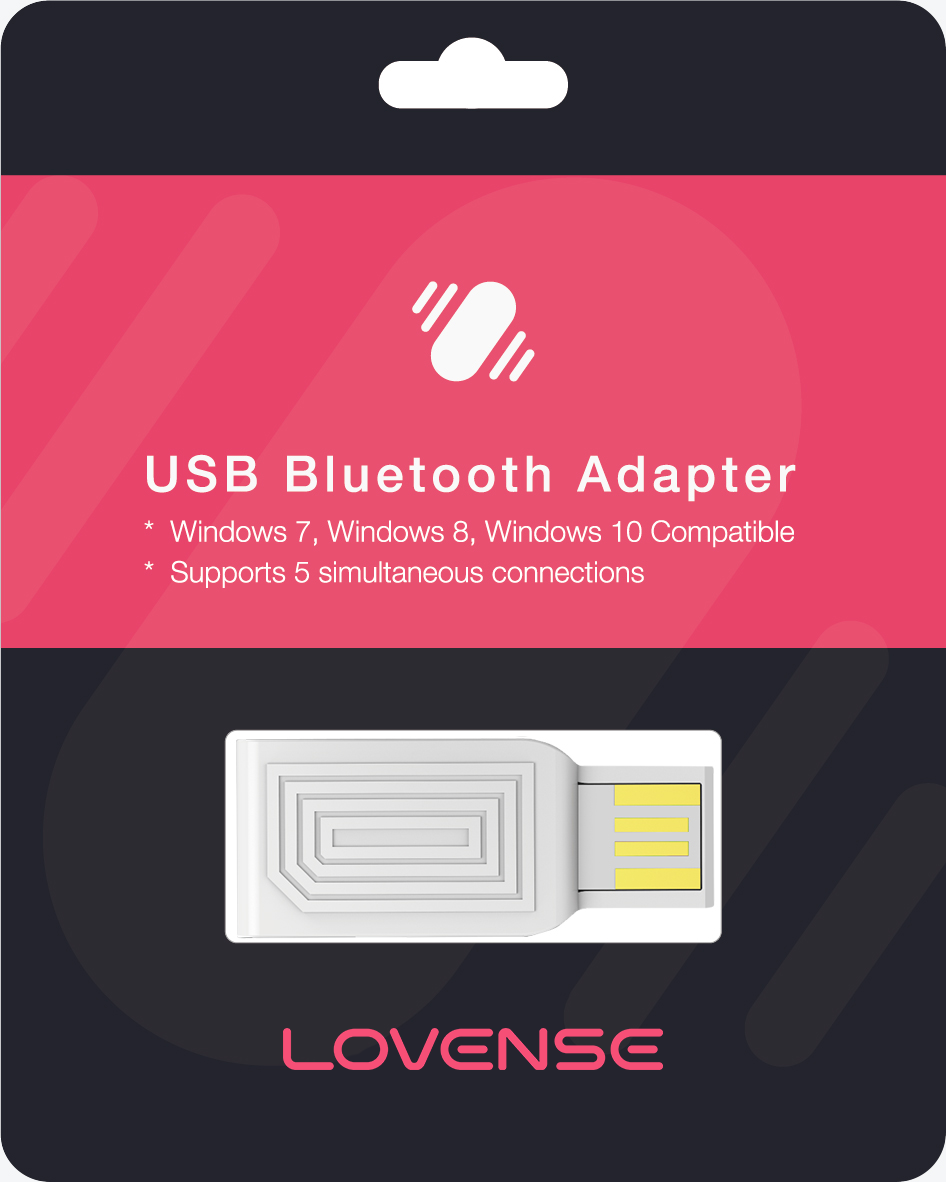
The Lovense USB Bluetooth Adapter is a dedicated wireless connectivity accessory for pairing Lovense toys with compatible Windows desktop applications. Plug the compact dongle into an available USB port and connect your toy through Lovense Remote or Lovense Connect.
With support for Windows 7, 8, 10 and 11, the adapter helps enable PC-based toy control and compatible interactive experiences. It supports connections for up to two Lovense toys simultaneously.
Designed specifically for Lovense connectivity — not a charger or general-purpose Bluetooth dongle.
THE KEY FEATURES
Connect compatible Lovense toys to supported Windows 7, 8, 10 and 11 computers using this purpose-built USB adapter.
Use Lovense Remote or Lovense Connect on a compatible Windows PC to discover and pair your Lovense toys.

The official adapter supports simultaneous connections for up to two compatible Lovense devices.
A compact USB-powered dongle: no internal battery, charging cable or separate power supply required.
THREE STEPS TO CONNECT
 01
Insert the Lovense adapter into an available USB port on your Windows 7, 8, 10 or 11 computer.
 02
Install or launch the supported Windows version of Lovense Remote or Lovense Connect and sign in where prompted.
 03
Switch on the Lovense toy, open the pairing function in the app, select the toy and finish the connection process.
WHY YOU’LL LOVE IT
Lovense’s USB Bluetooth Adapter makes it easy to use supported Windows applications with compatible Lovense toys. Unlike an ordinary Bluetooth dongle intended for speakers or mice, it is configured for the proprietary connections used by Lovense’s official Windows software.
The compact format uses a standard USB connection, while Lovense Remote and Connect handle toy discovery and control. This makes it useful for personal PC setups and supported interactive integrations without relying on a phone as the local Bluetooth bridge.
It supports up to two simultaneous Lovense toy connections; compatibility with particular interactive features depends on the software used.
Lovense Remote and Lovense Connect for Windows can use this adapter. Choose the application required by your intended activity; some third-party and live-streaming integrations specifically require Lovense Connect.
| Brand | Lovense |
|---|---|
| Product | USB Bluetooth Adapter |
| SKU | LOVE-469 |
| Type | Dedicated Bluetooth USB dongle for Lovense toys |
| Host connection | USB, compatible Windows PC |
| Operating systems | Windows 7, Windows 8, Windows 10, Windows 11 |
| Compatible devices | Lovense toys through supported official software |
| Supported apps | Lovense Remote for Windows; Lovense Connect for Windows |
| Simultaneous connections | Up to two Lovense toys |
| Power | USB-powered, DC 5 V / 0.05 A |
| Radio frequency | 2,402–2,480 MHz |
| E.I.R.P. | 1.86 dBm |
| Colour | Colour may vary by production batch |
| Not intended for | General Bluetooth peripherals, Mac dongle use, toy charging |
| Package | One Lovense USB Bluetooth Adapter; no toy included |
| EAN | 728360599469 |
Insert into a free PC USB port, download the current Lovense software for Windows and pair a powered-on compatible Lovense toy through the app. Keep the dongle dry and away from dust when not in use.
The adapter does not provide toy charging and cannot be used as a universal Bluetooth receiver for unrelated accessories.
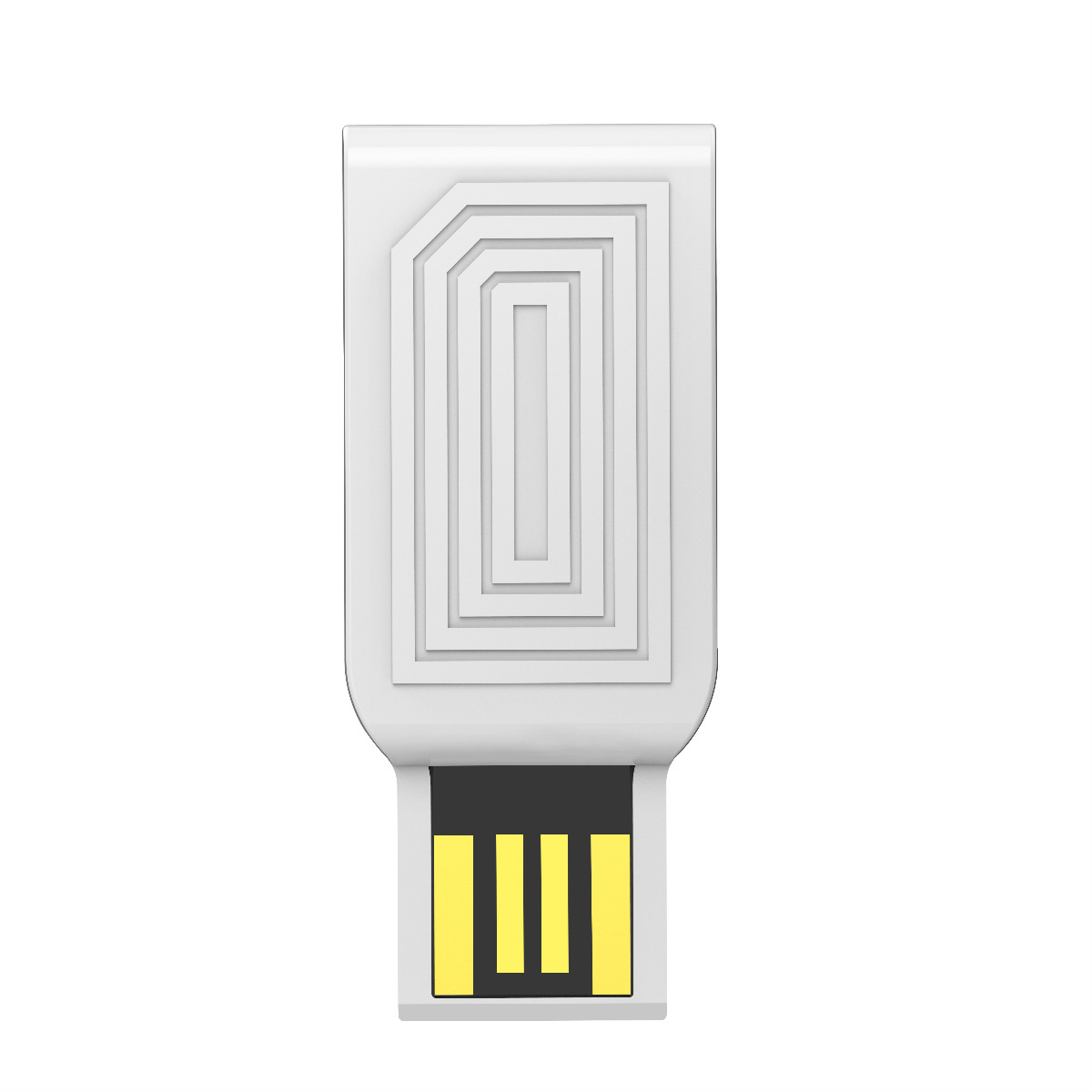
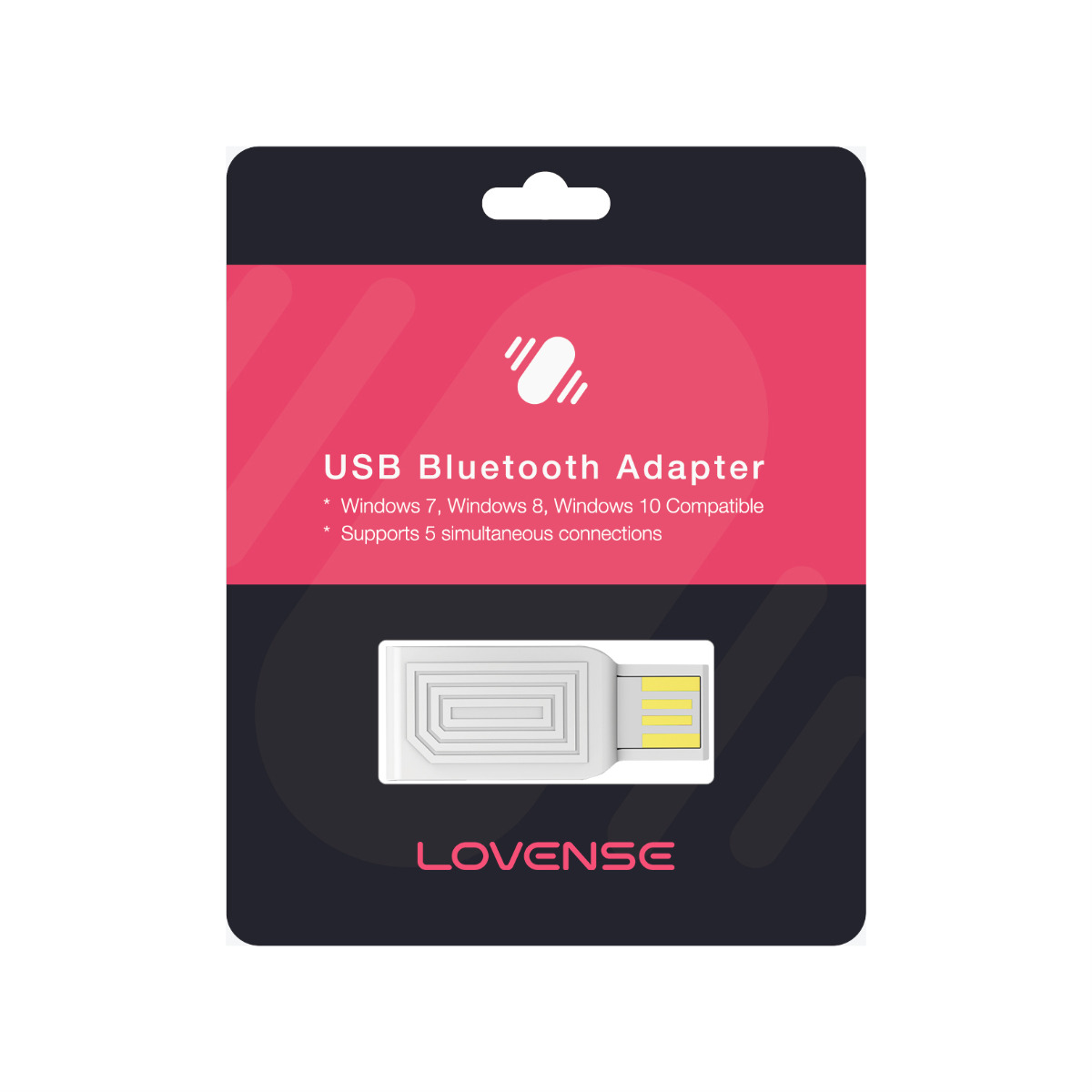
One Lovense USB Bluetooth Adapter. No Lovense toy, charging cable or additional power supply is included. Adapter colour may vary by manufacturing batch.
ANSWERS & COMPATIBILITY
It provides a dedicated Bluetooth connection between supported Lovense toys and Lovense’s compatible Windows PC applications.
Yes. Lovense lists Windows 7, 8, 10 and 11.
Yes. Windows 10 is included in the official compatibility list.
This adapter is designed for Windows. Compatible Macs generally connect directly over their own Bluetooth through Lovense’s supported software.
Yes. Lovense lists its Windows Remote application as compatible with the USB adapter.
Yes. Lovense Connect on Windows can use the adapter to communicate with compatible Lovense toys.
Lovense states that all of its toys are supported through the adapter and compatible applications.
Yes. Lovense specifies a maximum of two simultaneously connected toys.
No. It is not designed for connecting headphones, mice, keyboards or other general Bluetooth accessories.
For Lovense’s official Windows PC apps, Lovense says a generic Bluetooth dongle is not a substitute for its dedicated adapter.
No. It connects compatible toys wirelessly; charging requires the toy’s own compatible charger.
No. It receives power from the Windows PC’s USB port.
Local PC-to-toy pairing uses Bluetooth. Internet access may be required for downloads, account features and online partner-control experiences.
Plug in the adapter, open Lovense Connect or Remote for Windows, switch on the toy and use the application’s pairing function.
The USB adapter is intended for Windows PCs. Smartphones use their built-in Bluetooth to connect directly to Lovense toys.
Yes. Install the supported version of Lovense Remote or Lovense Connect for Windows.
Lovense Connect can be used for compatible streaming integrations; check the specific integration’s current setup guide.
One Lovense USB Bluetooth Adapter; no rechargeable toy or charging cable is included.
Check that it is powered on, close any conflicting app connection, restart Lovense software, reconnect the adapter and follow the official pairing guidance.
EAN 728360599469.
EXPLORE LOVENSE
| Brand | Lovense |
|---|---|
| EAN | 728360599469 |
| Power | USB powered, DC 5V / 0.05A |
| Compatibility | Windows 7, 8, 10 and 11; Lovense toys only |
| Colour | Varies by production batch |
Only logged in customers who have purchased this product may leave a review.
Chargers & Replacement Parts
Chargers & Replacement Parts
Chargers & Replacement Parts
Chargers & Replacement Parts
Chargers & Replacement Parts
Chargers & Replacement Parts
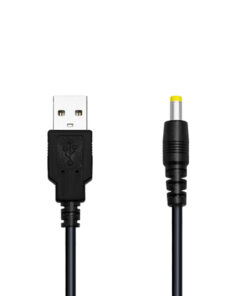
Chargers & Replacement Parts
Chargers & Replacement Parts
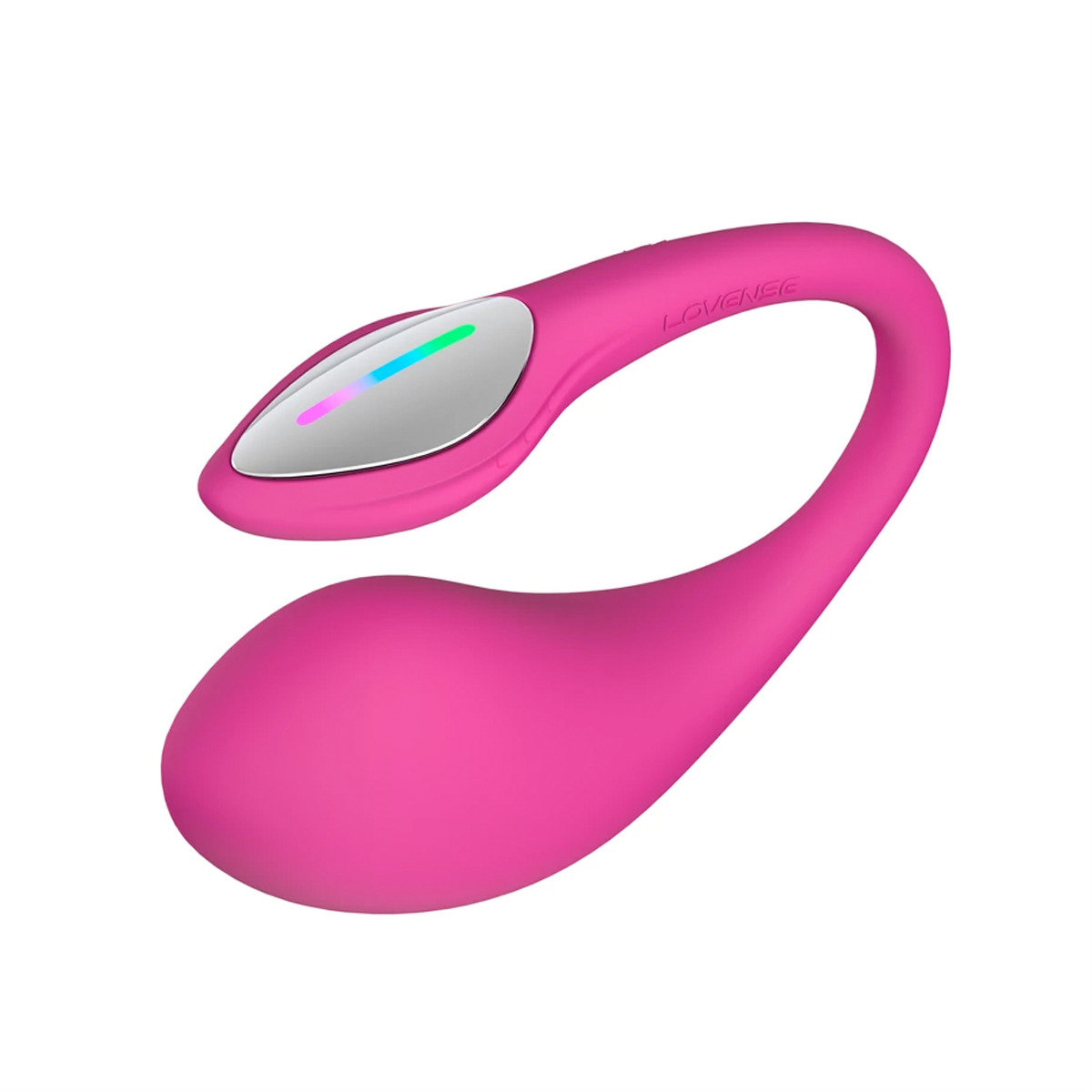 Lovense Lush 4£104.99
 Lovense Hyphy£104.99
 Lovense Solace Pro£169.99
 Lovense Gush 2£109.99
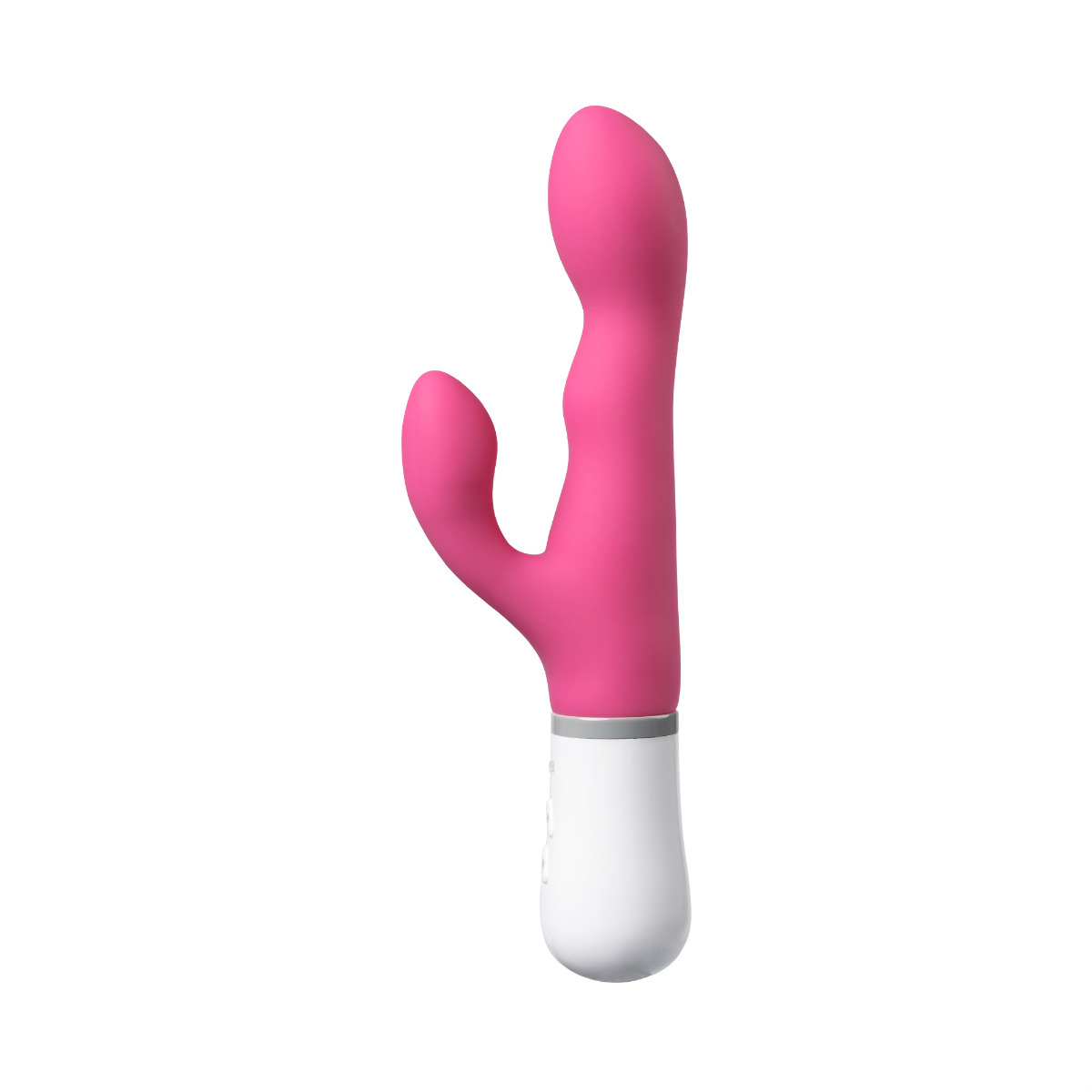 Lovense Nora£99.99
 Lovense Tenera 2£104.99
Reviews
There are no reviews yet.